How to Manage PDF and EPUB Notes Locally
The durable way to manage PDF and EPUB notes locally is to store source documents, reading positions, annotations, long-form notes, and search indexes as distinct data that remains connected by stable document identities and locations. Folders classify files; location, structure, and exportability determine whether you can recover the knowledge later.
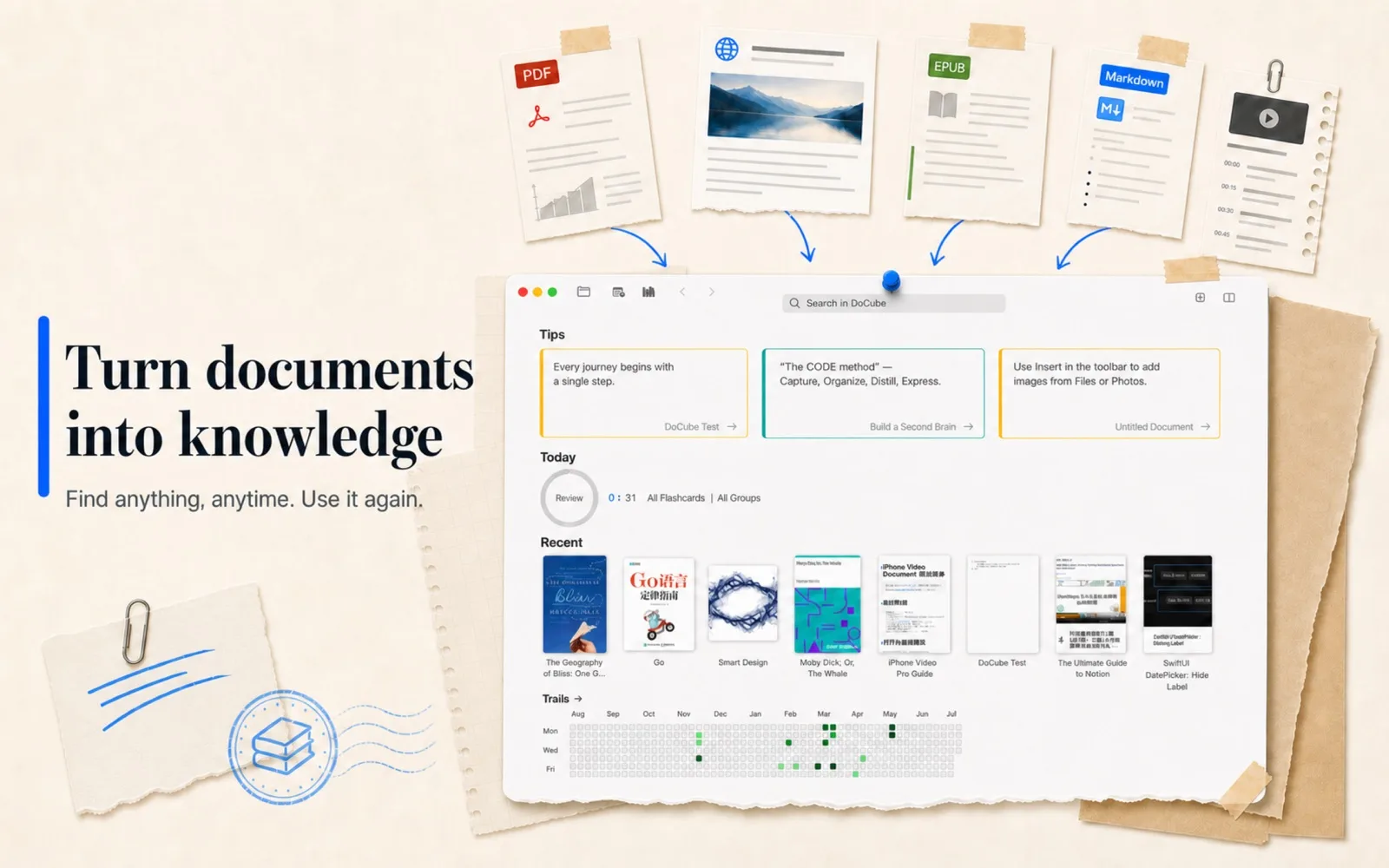
Separate the five kinds of data
A long-lived reading library contains at least:
- Source documents: PDFs, EPUBs, and their image or font resources.
- Reading state: current page or chapter position, bookmarks, and progress.
- Source annotations: highlights, underlines, quotations, and short comments tied to a location.
- Independent notes: Markdown or structured notes that can combine ideas across documents.
- Search indexes: derived data built from documents and annotations; disposable and rebuildable, never the only copy.
Writing everything back into the PDF or EPUB appears simple but is limited by each format and reader's compatibility. Separating everything without links loses the route from a note back to evidence. A practical local-first design keeps source files independent, stores structured annotations in the library, and records enough location data to reconnect them.
PDF and EPUB locations are fundamentally different
PDF pages are fixed, so a location can usually be expressed as a page plus an area or selection. EPUB content reflows when font size, viewport, or device changes, so “page 83” is not a stable address. A chapter and content position is more durable.
That difference should shape the note system:
- A PDF note should return to a specific page and passage.
- An EPUB note should follow the content location, not a page number produced by one layout.
- Replacing or heavily editing the source can invalidate either locator.
- A screenshot preserves appearance but discards searchable text and portable structure.
A tool that manages both formats must respect these location models instead of treating every document as a generic attachment.
Three common ways to store reading notes
| Method | Strength | Best for | Main problem |
|---|---|---|---|
| Write annotations into the PDF | Travels with the file; many readers can display them | Highlights, brief comments, proofreading marks | Does not cover EPUB and is weak for cross-document synthesis |
| Structured annotations in a library | Searchable, filterable, reviewable, and source-linked | Highlights, quotes, links, and cards | Needs dependable export and backup |
| Independent Markdown notes | Open, editable, and easy to combine | Long-term analysis, outlines, multi-source synthesis | Must store a separate route back to evidence |
These methods are complementary. Keep short reactions near the source and longer thinking in independent notes, then connect them with stable links.
A sustainable local workflow
1. Establish a document entry point before designing a taxonomy
Bring existing PDFs and EPUBs into one library. A first migration can preserve the source folder hierarchy, while a small set of tags represents themes that cross folders.
Folders work for stable ownership such as a course, client, or project. Tags work for states and overlapping subjects such as “to read,” “methodology,” or “citation candidate.” Avoid building dozens of nested levels before search and links have proven useful.
2. Capture the smallest sufficient context while reading
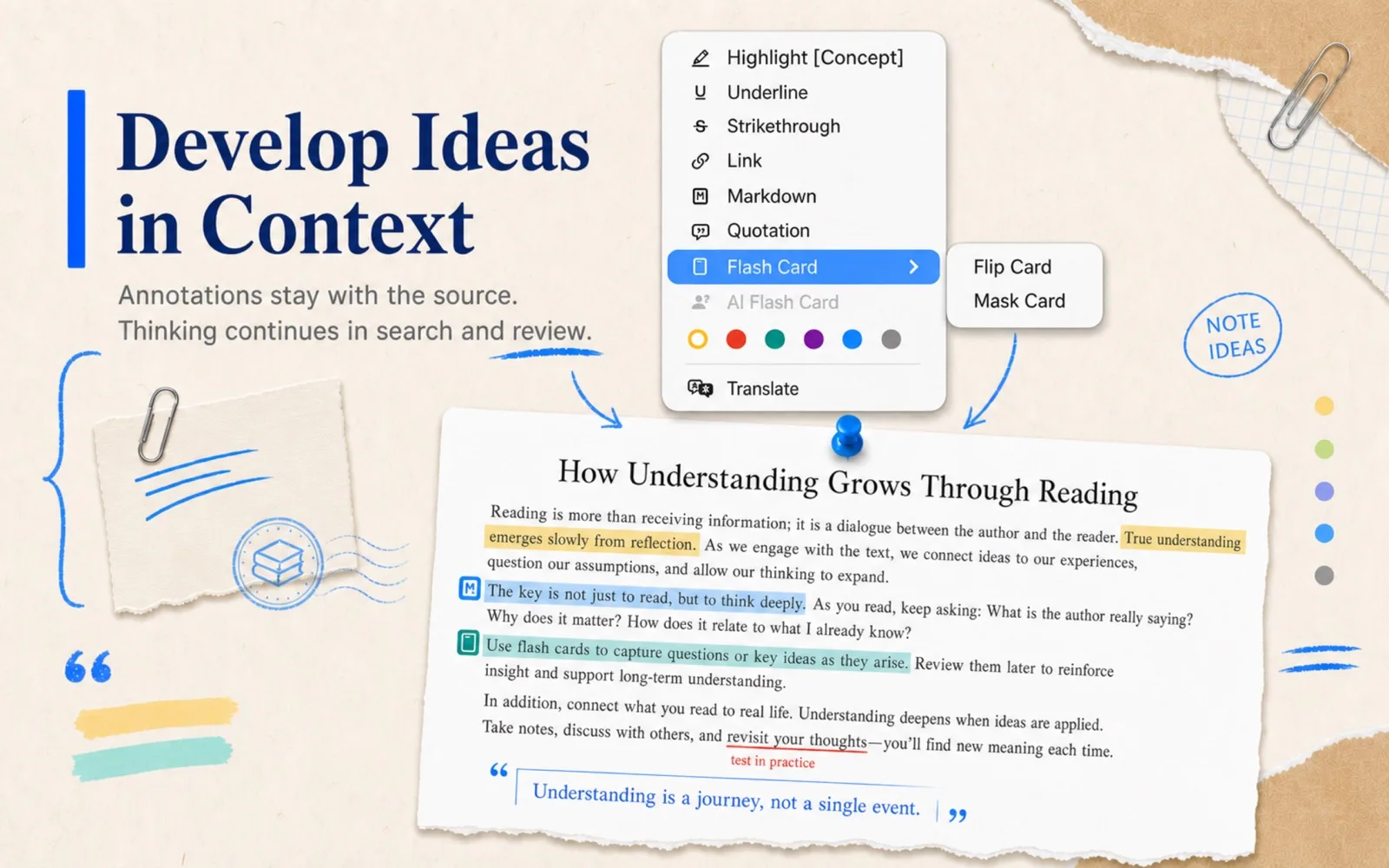
A useful annotation should know:
- Which document it came from.
- The exact source text.
- Its PDF page, EPUB content position, or video time range.
- Whether it is a highlight, quote, link, long note, or card.
- When it was created or edited.
Do not force every thought into a tiny margin comment. A reaction to one sentence can stay attached to the source. Analysis that compares several sources belongs in a separate Markdown note with links back to evidence.
3. Put annotations in the search index
As the collection grows, you often remember something you wrote rather than the filename. Full-text search should cover body text, highlights, quotations, links, and notes while preserving their sources.
DoCube's library search covers PDF, EPUB, HTML, Markdown, MinerU, video subtitles, and multiple annotation types. Results return to pages, chapters, content blocks, or timestamps rather than merely opening a document cover.
4. Connect long notes to sources with location links
Copy a docube:// address at the current reading position and paste it into Markdown or another link-capable notes app. The long note remains editable text while one click returns to the evidence.
The address does not contain the source file. When moving notes to another device, make sure the target document has been imported or synchronized there too.
5. Treat sync and backup as different systems
Local-first does not mean keeping only one copy:
- The local library is the primary working copy.
- iCloud can synchronize changes among Mac, iPhone, and iPad.
- Sync propagates edits and deletions, so it does not replace an independent backup.
- Export important source files, translations, and notes periodically, and retain recoverable history.
Before deleting a document, check whether annotations, cards, or other notes still refer to it.
How DoCube stores the workflow
DoCube copies documents into an on-device library. Its PDF annotations are stored separately instead of being written back into the original file. PDFs, EPUBs, webpages, Markdown, MinerU documents, and videos can be organized, searched, and linked together.
A useful small-scale test is:
- Import one folder and verify titles, covers, and extracted text.
- Run local OCR on any scanned PDFs.
- Create a few highlights, quotations, and Markdown annotations in a PDF and an EPUB.
- Create one independent Markdown note and paste several exact-location links into it.
- Search for words you wrote and confirm that the results return to the source.
- Before enabling iCloud sync, confirm that local storage and export behavior match your expectations.
The free edition supports up to five documents, enough to validate the complete loop with real material before moving a larger library.
Checklist for a local reading-notes tool
- Does it read PDF and EPUB directly rather than treating them only as attachments?
- Can it OCR scanned PDFs locally?
- Are annotations searchable, with a route back to the exact source?
- Do EPUB links survive font-size and viewport changes?
- Are long-form notes open or exportable?
- Can it export source files, translated versions, and independent copies?
- Is synchronization optional, and where does primary data live?
- What associated data is deleted when a document is removed?
- Can the search index be rebuilt from source documents and notes?
Frequently asked questions
Should annotations be written directly into the PDF?
That makes sense when a marked-up PDF must travel to other readers. For unified search, links, and review across PDF, EPUB, and video, structured library annotations are more flexible, provided there is a clear export and backup path.
Why should an EPUB note not store only a page number?
Most EPUBs repaginate when font size, window width, or device changes. A page number is the result of one layout, not a stable content address. Store the chapter and content position instead.
Does local-first mean iCloud cannot be used?
No. Local-first means a complete usable primary copy exists on the device and core reading does not depend on continuous access to a service account. iCloud can be a user-controlled synchronization channel, but sync is not backup.
What matters most when moving to another tool?
Keep the original PDFs and EPUBs, readable note text, annotated source text with locations, and required image assets. An app-only database with no readable export raises long-term switching costs.
Next, read How to Link Notes to Exact Places in PDFs and EPUBs to turn “stored locally” into “able to return to the source later.”