Edit MinerU Archive File
In general, the content output by MinerU is already quite useful. However, sometimes you may need to manually edit the MinerU archive file, such as modifying the directory hierarchy, formatting code blocks, correcting formula recognition errors, etc. Below is how to edit a MinerU archive file.
Enter Edit Mode
 Edit in the document toolbar to enter edit mode.
-
Tap the
 icon in the bottom-right corner of the document area to open the document menu
-
Tap the Edit menu item to enter edit mode.
-
Tap the icon in the bottom-right corner of the document area to open the document menu
-
Tap the Edit menu item to enter edit mode.
After entering edit mode, tap on the content you want to edit in the document to bring up the corresponding editing interface. To ensure that edits don't affect the annotation functionality, each MinerU content type has its own independent editing interface. Additionally, all types of content can be hidden by clicking the Hide This Item button in the editing interface.
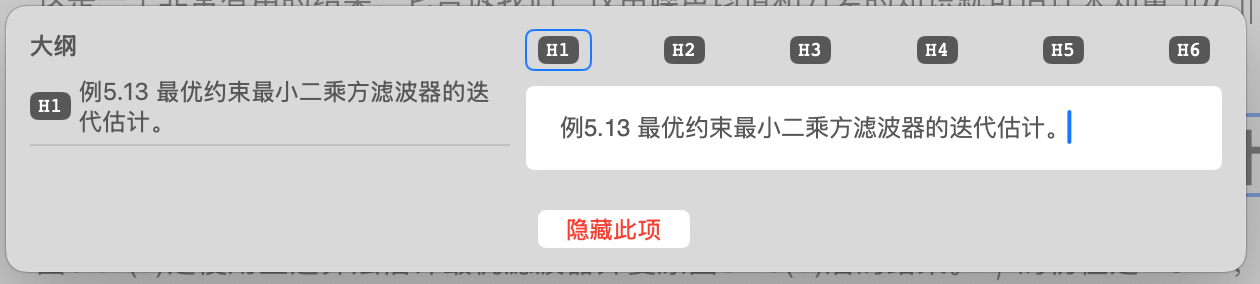
Text Content Editing
In MinerU recognition results, both paragraphs and headings belong to text content. You can modify the heading level and text content of the text.
- Click
h1,h2...h6to switch heading levels. The outline section will display the position of the adjusted heading in the document outline - Text content uses Markdown format and supports common Markdown syntax, such as bold, italic, etc.
List Editing
For list content, you can add or remove list items, and edit the text content of list items. In the list editing interface, tap on a specific list item to enter edit mode.
- Tap the
 icon to insert a new list item
 - Tap the
 icon to delete the current list item
 - List item text content uses Markdown format and supports common Markdown syntax, such as bold, italic, etc.
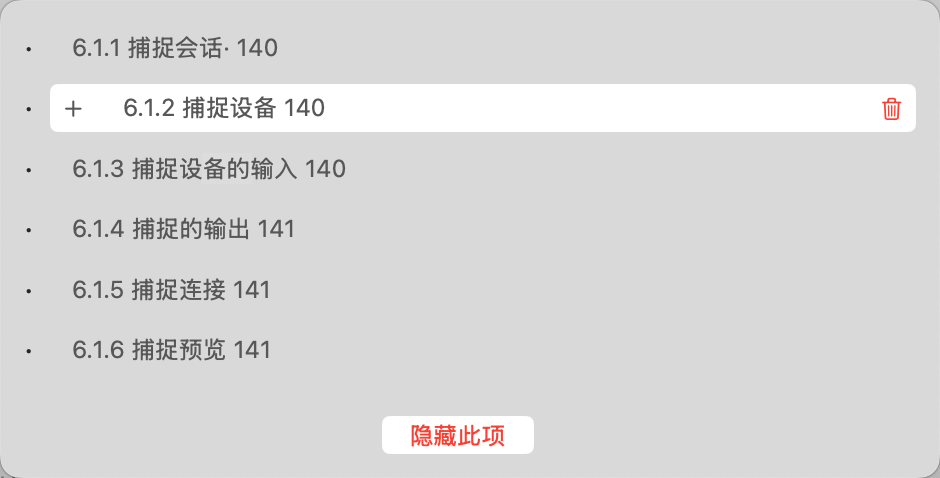
Image Editing
For image content, you can add or remove image captions, and modify the caption text content. Tap on a specific caption item to enter edit mode.
- If the image has no caption text, tap
 Add Caption Item to add a caption
 - For the selected caption item, tap the icon to insert a new caption item
- For the selected caption item, tap the icon to delete the current caption item
- Caption text content uses Markdown format and supports common Markdown syntax, such as bold, italic, etc.
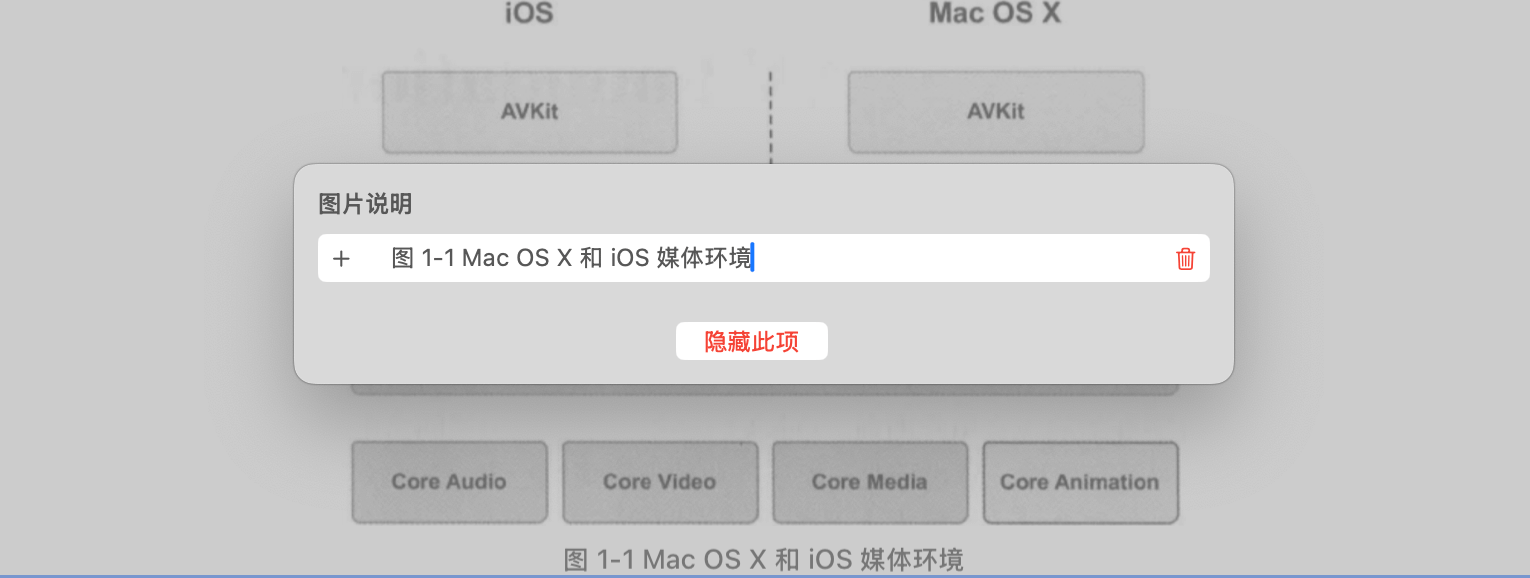
Table Editing
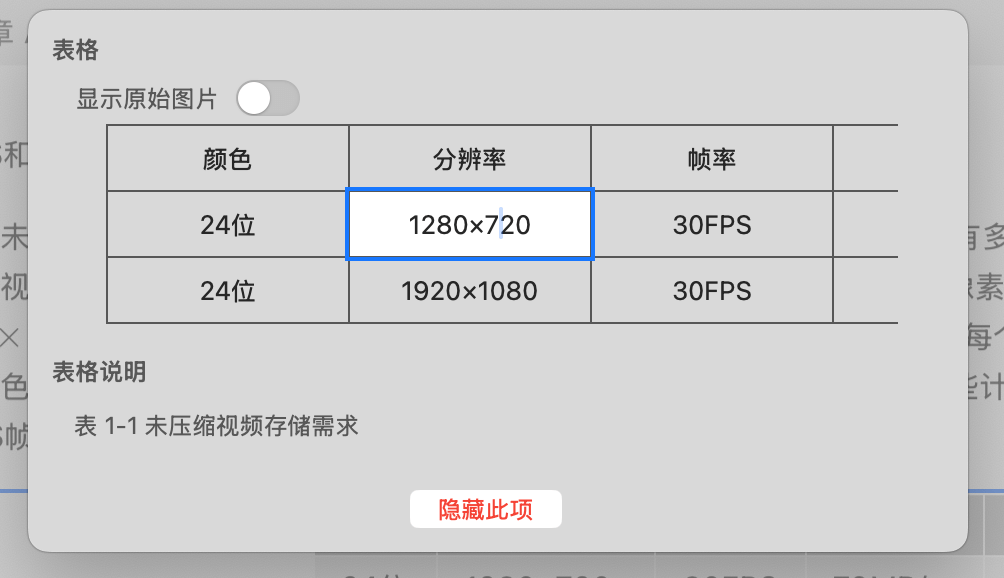
For table content, you can edit the text content of cells, modify table caption text content, or switch to display the original table image.
- Tap any cell to edit the cell text content. Text content uses Markdown format.
- If the original document's cell content is a complex image, MinerU may have recognition errors. You can switch to display the original table image
- If the table has no caption text, tap Add Caption Item to add a caption
- For the selected caption item, tap the icon to insert a new caption item
- For the selected caption item, tap the icon to delete the current caption item
- Caption text content uses Markdown format and supports common Markdown syntax, such as bold, italic, etc.
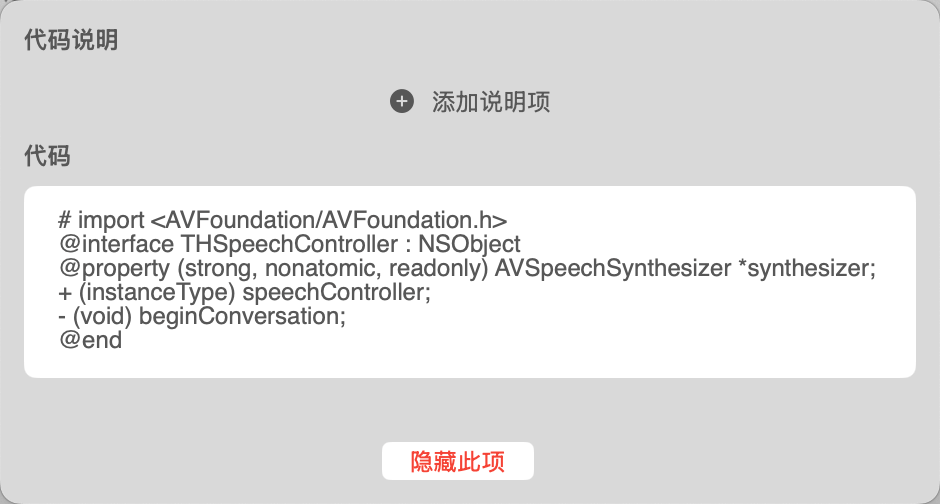
Code Block Editing
For code block content, you can edit the code text content and modify code caption text content. Code block text is highly technical, so it's recommended to copy it to a dedicated IDE for editing and then paste it back.
- Tap the code block area to enter code editing mode, supporting multi-line code editing.
- If the code block has no caption text, tap Add Caption Item to add a caption
- For the selected caption item, tap the icon to insert a new caption item
- For the selected caption item, tap the icon to delete the current caption item
- Caption text content uses Markdown format and supports common Markdown syntax, such as bold, italic, etc.